Quick start
Only what a first working colony needs. Every button and the rarer mechanics live in the full guide.
1. Start a single-player game
Press Playon the main screen, then choose single player. After the landing, wait until the Robosoma walks down the ramp and “Awaiting orders” appears above it. Until then the controls are locked on purpose: the landing sequence cannot be interrupted by accident.
2. Find a regolith deposit
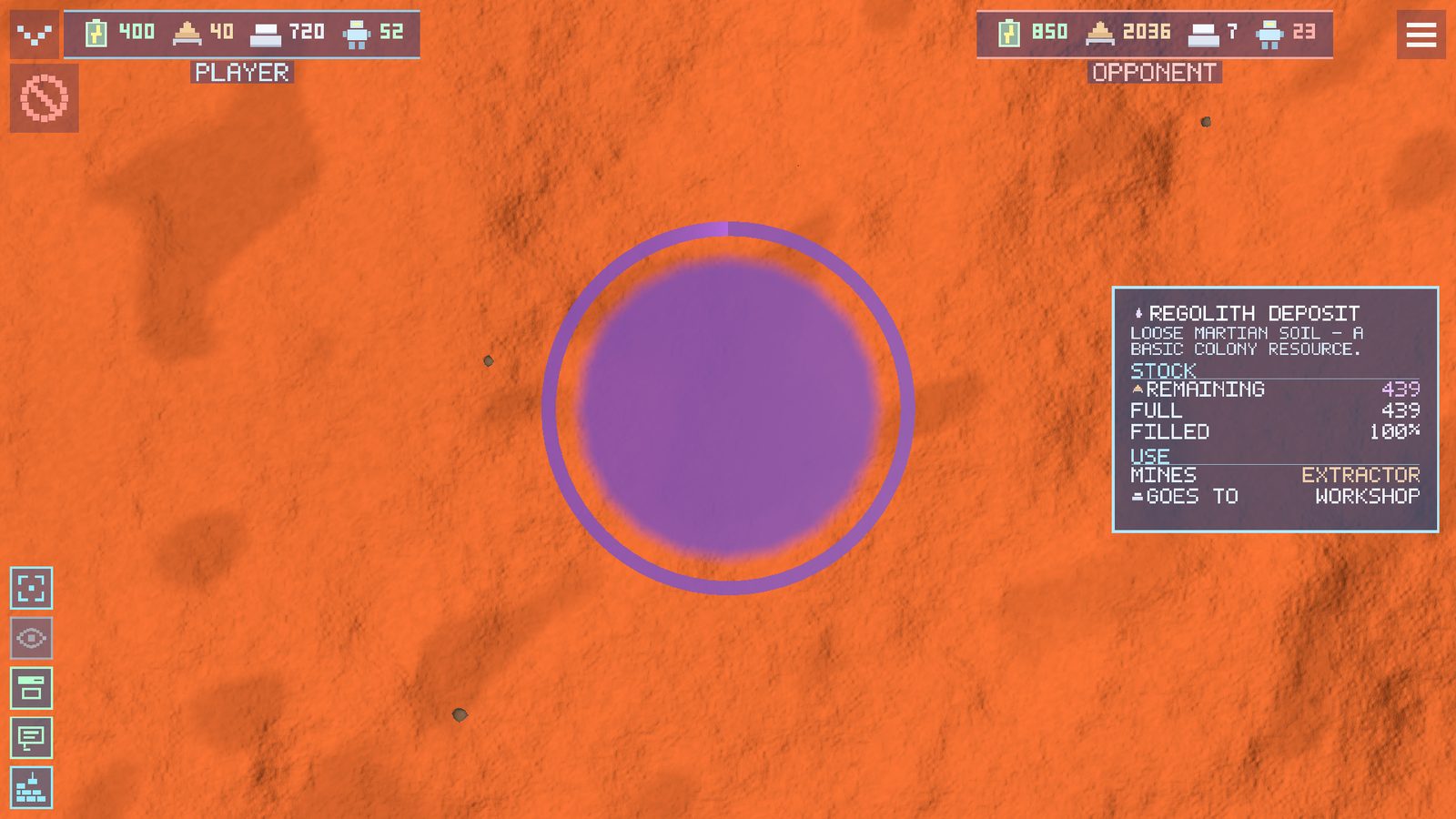
Select the Robosoma and look at the ground nearby. A deposit is marked with a coloured ring. It is easier to start on level ground next to regolith: then the carriers do not have to walk far.
3. Place headquarters
Open the build catalogue, choose headquarters and move the footprint over the ground. A green grid means the site is suitable. Red shows a slope, an obstacle or an occupied area.
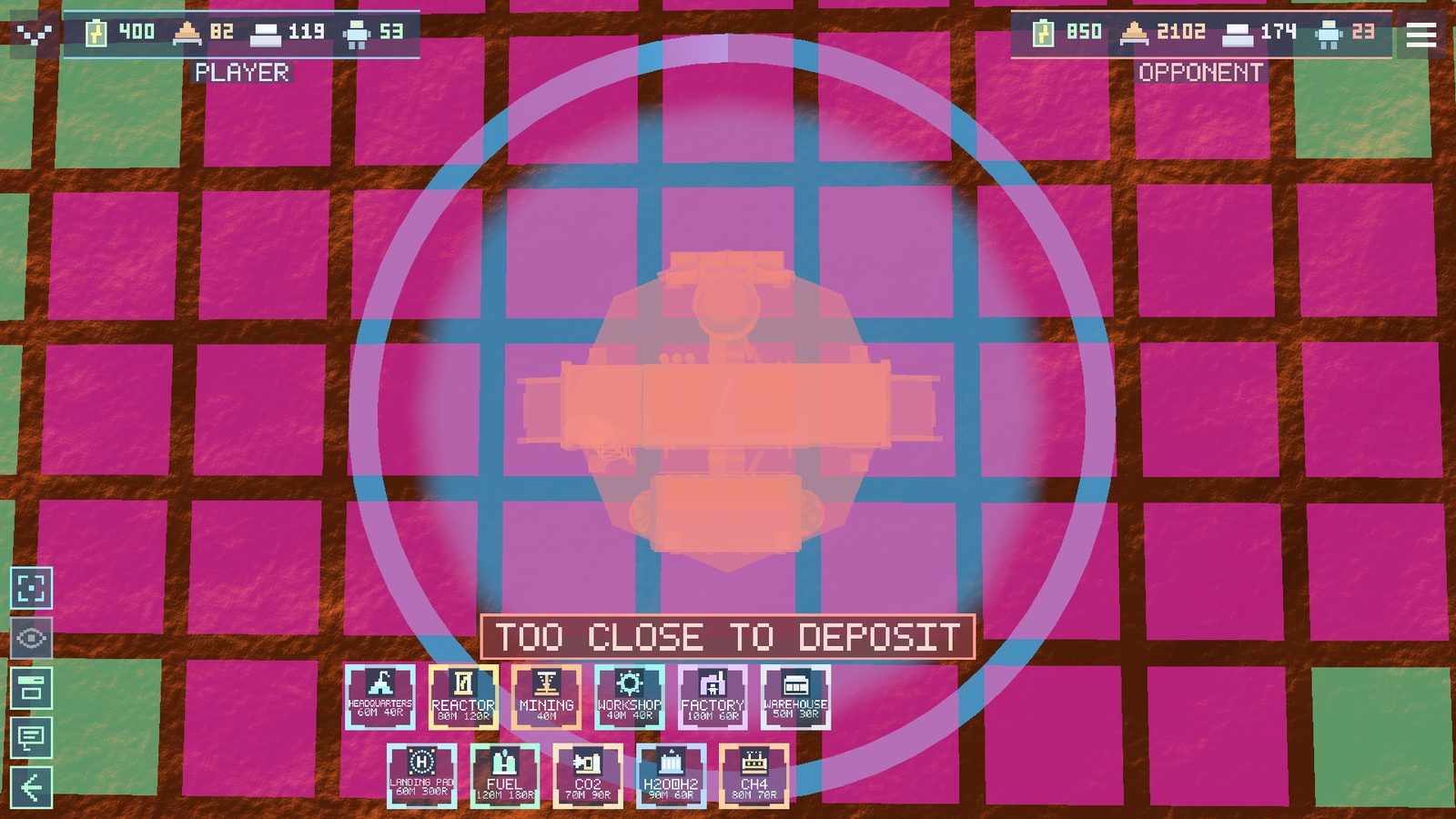
4. Give the colony power and metal
Build a reactor, then an extractor directly on the regolith deposit. The extractor mines raw material, but construction needs metal. So a workshop comes next, and you assign Robosomas to carry regolith for processing.
5. Build a warehouse and a factory
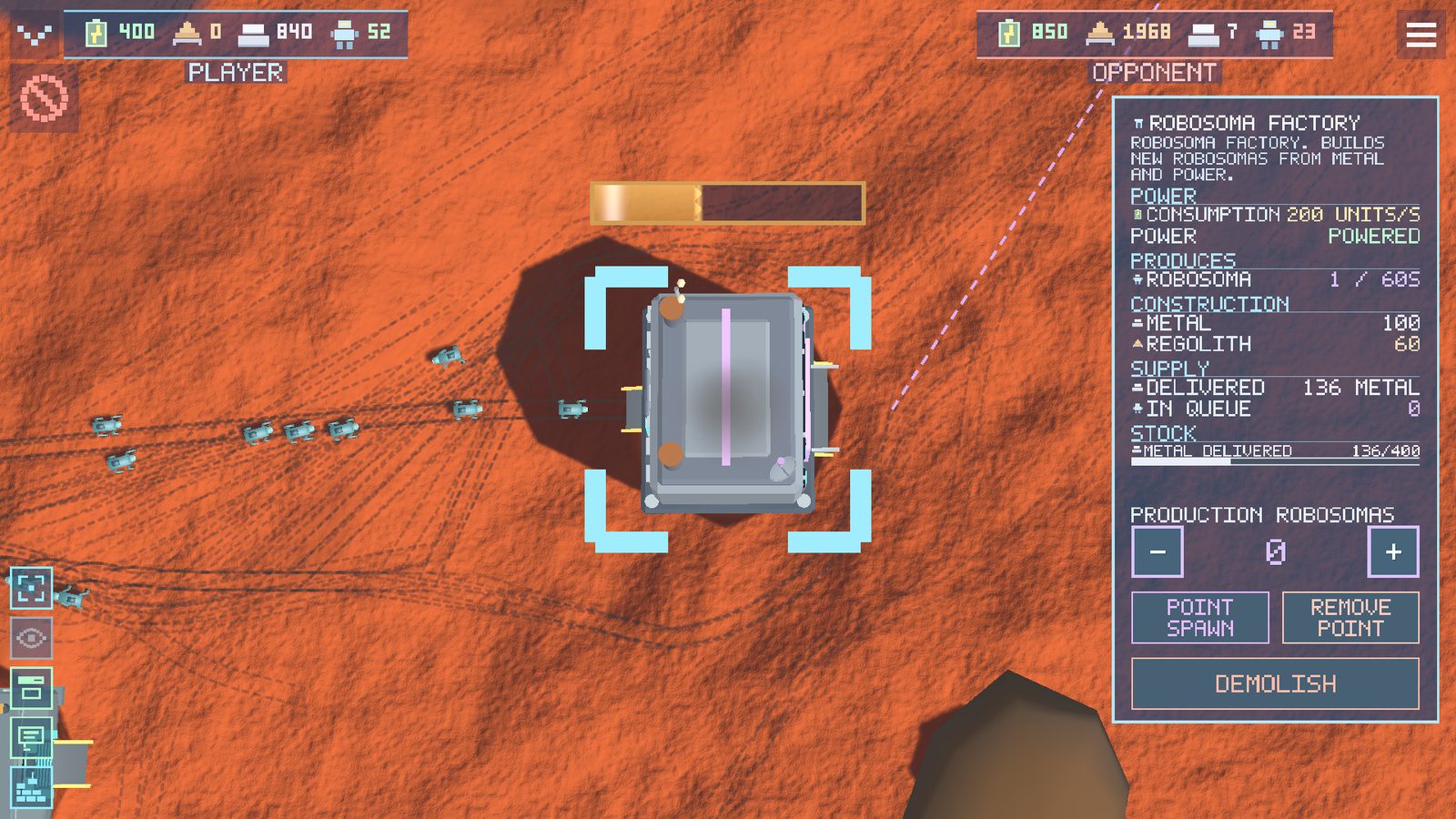
A warehouse removes the first logistics bottleneck, and a factory turns out new Robosomas. Watch not only the numbers at the top but where the cargo physically sits: a full warehouse or a queue at the gate will stop the chain.